Rolla app icon

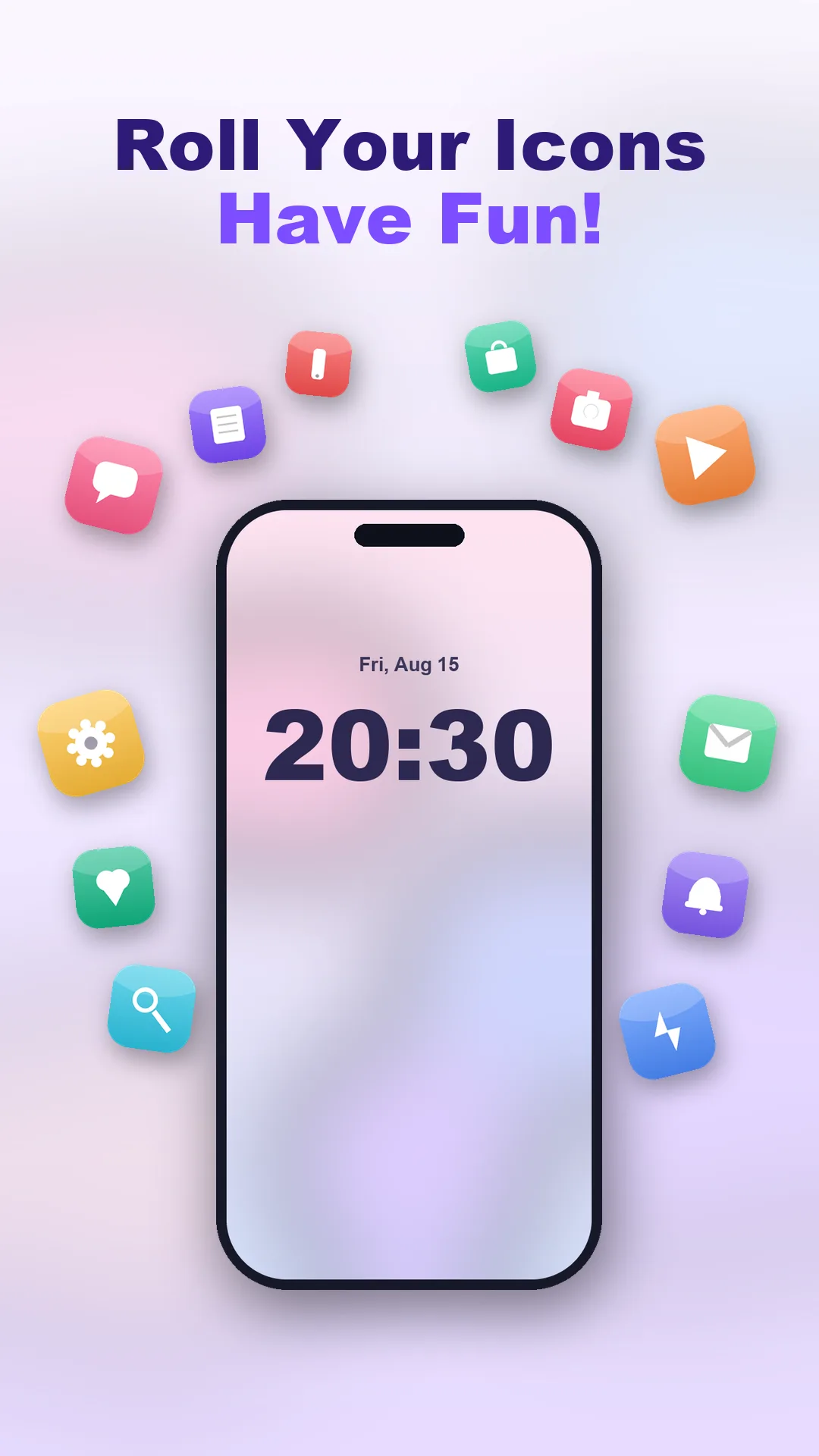
Roll your app icons around the screen

Rolla brings your home screen to life — spin your app icons around the edge of the screen, give every app a fresh icon, and dress up your phone with colorful HD wallpapers.

Roll app icons around your screen, change & customize icons + cool wallpapers.
Rolla screenRolla screen
What Rolla offers

Everything to personalize your screen

Rolling icon animation, custom app icons, shapes and colors, plus HD wallpapers — all in one app.

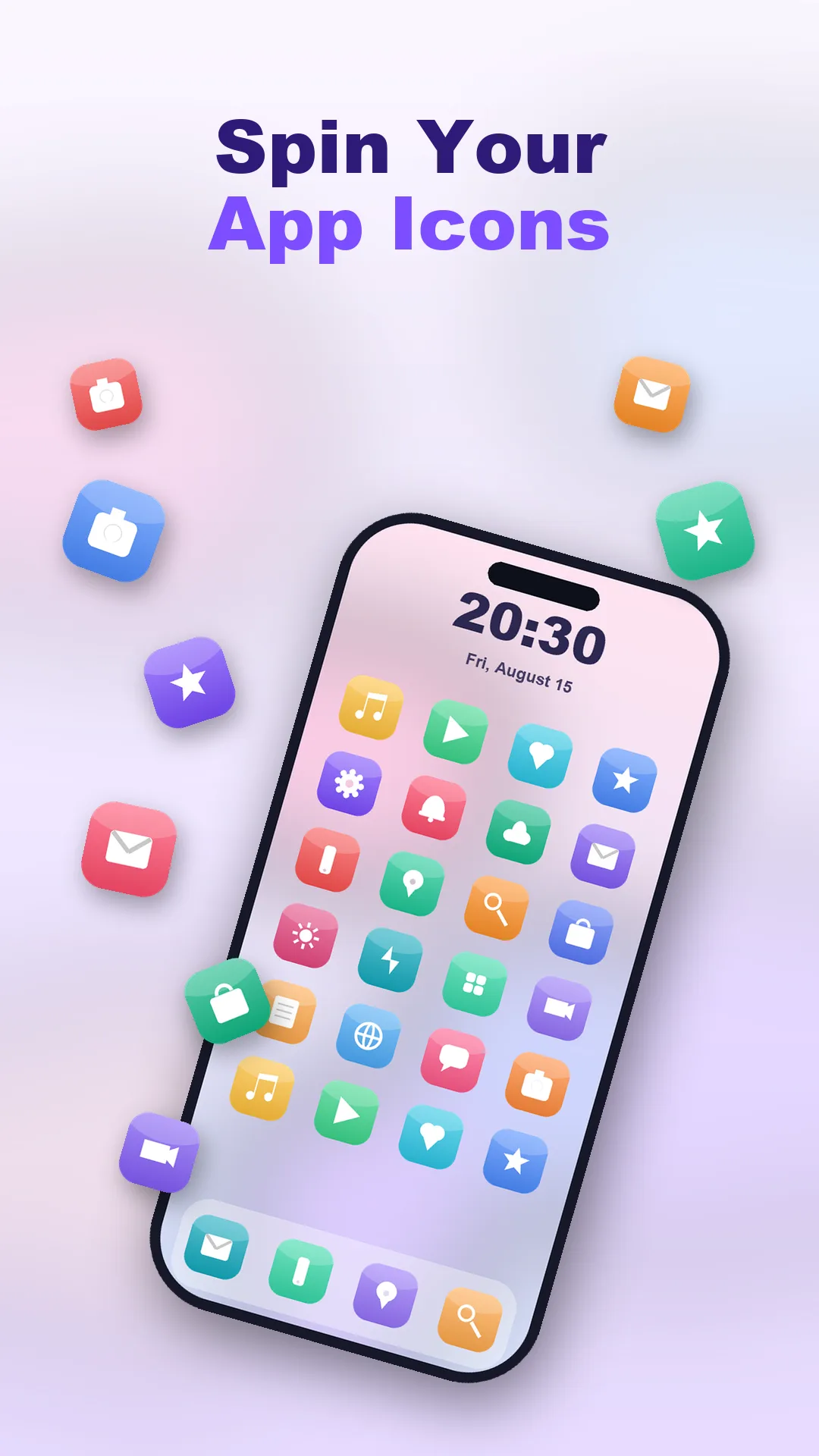
Rolling Icon Animation

Turn on a fun rolling animation that sends your app icons spinning and floating around the screen — pick the speed and style you like.

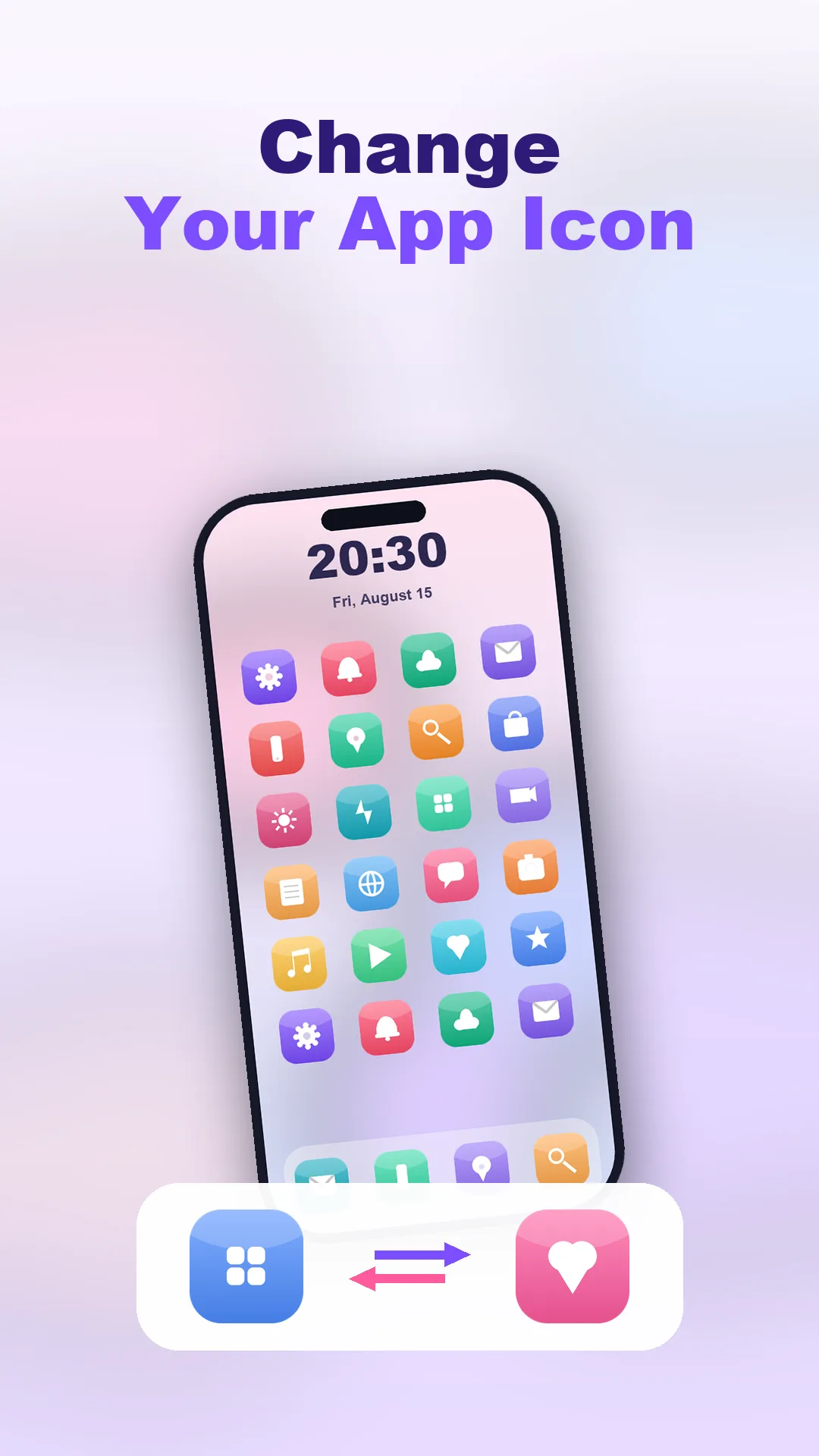
Change Your App Icon

Give any app a brand-new icon from a big library of original icon designs, and swap boring defaults for your own look.

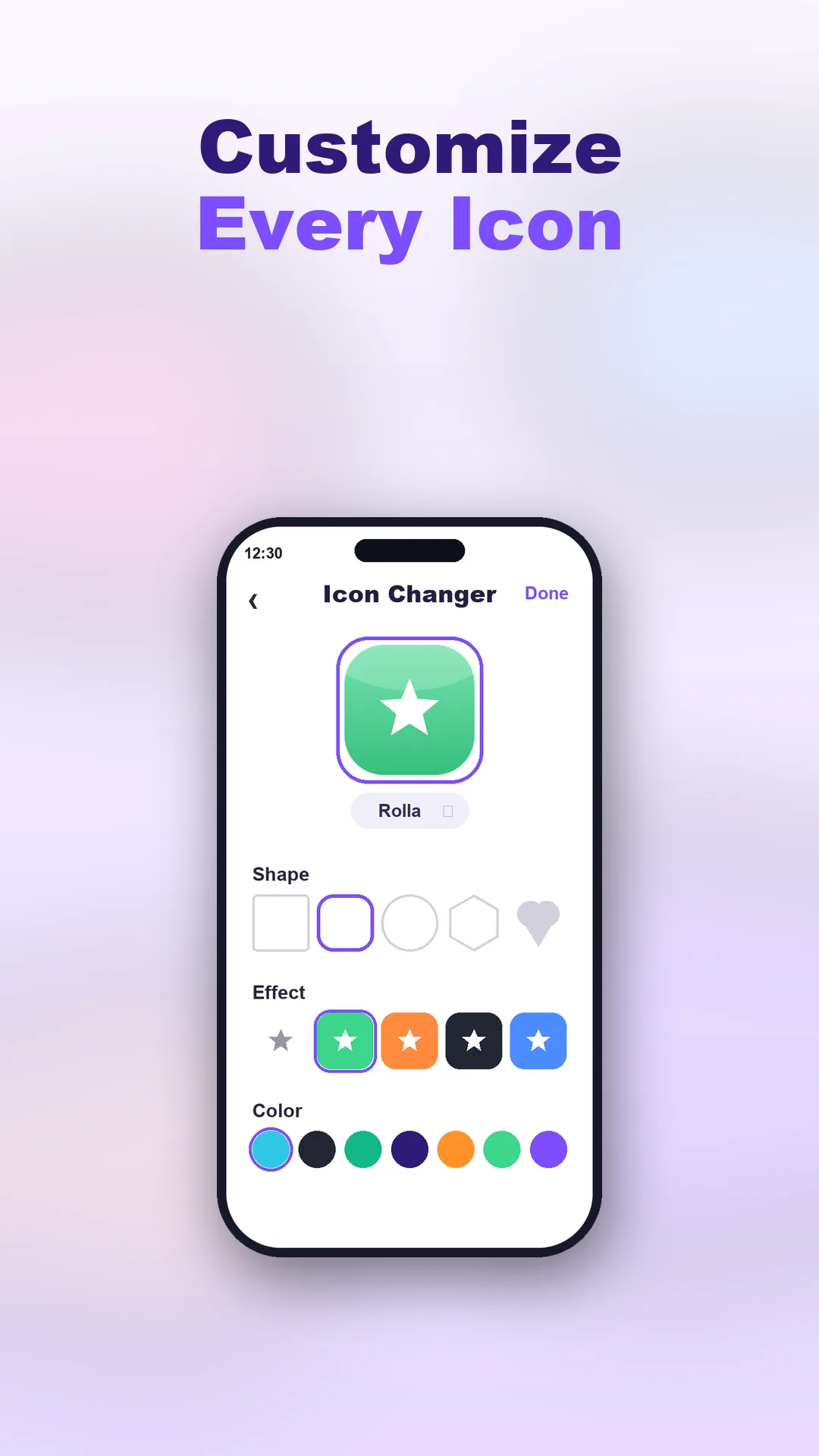
Customize Every Icon

Choose the shape — square, rounded, circle, hexagon or heart — pick an effect, and set the color to match your style.

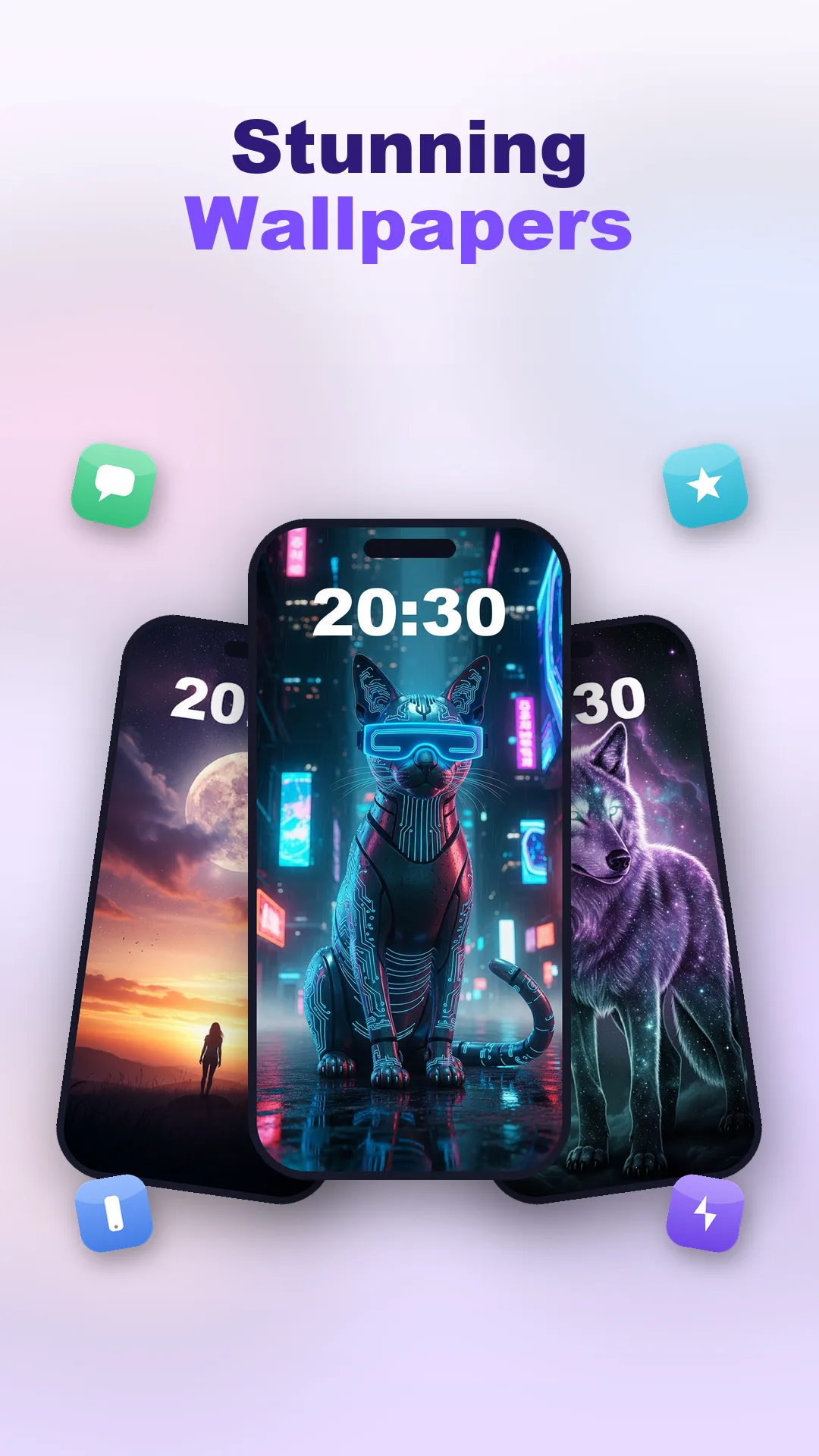
Colorful HD Wallpapers

Browse a gallery of vivid HD wallpapers and set the perfect background to complete your new look.

Preview Before Apply

Preview everything before you apply it, so your home screen always looks just right.

Simple & Lightweight

A clean, easy-to-use design that stays light and smooth on your phone.

Take a look

A peek inside the app

Every screen below is a real part of Rolla.

Rolla screen 1
Rolling icon animation
Rolla screen 2
Change your app icon
Rolla screen 3
Customize shape & color
Rolla screen 4
HD wallpaper gallery
Rolla screen 5
Preview your new look

Your home screen, made playful

Rolla brings your home screen to life — turn on a rolling animation that sends your app icons spinning and floating, then give every app a fresh new icon from a big library of original designs.

Customize each icon's shape, effect and color, add a colorful HD wallpaper, and preview everything before you apply it. Simple, lightweight and made for personalizing.

  • Rolling animation spins your icons around the screen.
  • Change any app's icon from a library of original designs.
  • Custom shapes, effects and colors for every icon.
  • Colorful HD wallpapers to finish the look.
Please note. Rolla personalizes your home screen by applying custom icons and wallpapers and by showing a rolling animation over your home screen. Custom icons are applied as home-screen shortcuts rather than replacing the original system icons, and some effects ask for the permissions needed to show the animation, create shortcuts or set your wallpaper — you are always asked first. All icon designs are original artwork. Rolla is an independent app and is not affiliated with any other brand.
Rolla icon

Make your home screen roll

Download Rolla and give your home screen a fresh, playful new look.